



Build Premium Elementor Websites Without Extra Plugins or Custom Code
Create animated, conversion-ready WordPress websites with advanced Elementor widgets, WooCommerce tools, templates, and powerful extensions—all inside one lightweight addon.
100+ Widgets • Advanced Motion Effects • WooCommerce Tools • Theme Builder • Ready Templates
No coding required. Start free and enable only the features you need.

100+




Header & Footer builder

30+
Too Many Addons. Too Much Mess.
Elementor users often stack multiple plugins for basic features – slowing down sites and complicating workflows.
WP Easy Elements replaces them all with one clean, powerful toolkit. Everything you need. Nothing you don’t.
- Plugin conflicts breaking your layouts
- Slower page speed from bloat
- Paying for 5 separate subscriptions
- One lightweight plugin solves all of this
- Elementor Header & Footer Builder
- MaxButtons – Create Buttons
- Strong Testimonials
- Responsive Tabs For Elementor
Bring Your Ideas to Life with 100+ Powerful Widgets
- Content Widgets
- Image and Videos Widgets
- Dynamic Content Elements
- Creative/Aniamtion Elements
- Marketing Elements
- WooCommerce Elements
- Social Elements
- Form Styler
- Content Widgets
- Image and Videos Widgets
- Dynamic Content Elements
- Creative/Aniamtion Elements
- Marketing Elements
- WooCommerce Elements
- Social Elements
- Form Styler
Unlock Creativity With 20+ Powerful Elementor Features

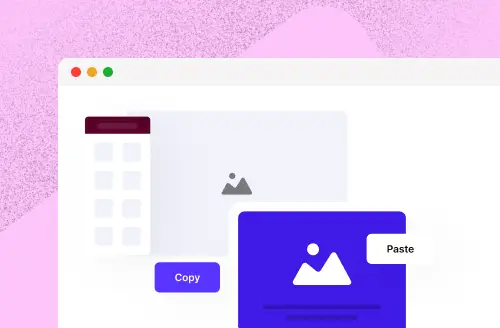
Live Copy Paste
- One-Click Import
- Works Across Websites
- Preserves Styling & Structure
- Time-Saving Workflow
- No Extra Plugins Needed
Dynamic Content
- Post-Based Dynamic Data
- WooCommerce Integration
- User & Author Info
- Custom Field Compatibility
- Live Preview Support
Visibility Control
- Conditions on Section
- Conditions on Widget
- Multiple Conditions
- Based on - User Role
- Based on – Login Status
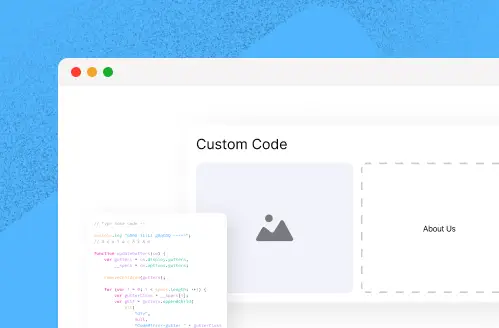
Custom Code
- Add Custom JS
- Priority Control
- Location Flexibility
- Dynamic Integration
- Pre Page or Global Scope
Container Resize On Scroll
- Container Resize on Scroll
- Image Scale Animation
- Easy Integration
- GSAP-Powered Performance
- Responsive Ready
Post/Page Duplicate
- Duplicate Posts
- Duplicate Pages
- Easy clone custom posts
- Time-Saving Workflow
- No Extra Plugins Needed
Sticky Sections
- Apply to Any Element
- Offset Control
- Smooth Animation
- Smart Boundary Detection
- Lightweight & Fast
Everything You Need. Nothing You Don't.
Build to go fast
Reduce Plugin Bloat and improve site performance from day one. Assets load only when needed.
- Build faster with ready-made widgets & Templates
- Reduce Plugin Bloat, Improve Performance
- Create advanced designs without writing code
- Deliver projects quicker and scale with ease.
No Code Design
Advanced layout, Dynamic Content , GSAP animation- all drag and drop. Zero coding required.
70+ Templates
Launch - Ready page templates and block libraries. Import, customize and go live in minutes.
Zero Conflicts
One clean toolkit replace 5 plugins. No conflicts, no clutter- just smooth performance inside Elementor.
Scale your Agency
Advanced layout, Dynamic Content , GSAP animation- all drag and drop. Zero coding required.
Install → Drag & Drop → Publish
Install
One click install WordPress Dashboard. No setup wizard, No complexity
Drag & Drop
Open Elementor and instantly access 300+ widgets and 40+ templates.
Publish
Hit publish. Your site is live, fast, and beautiful — no extra cleanup needed.
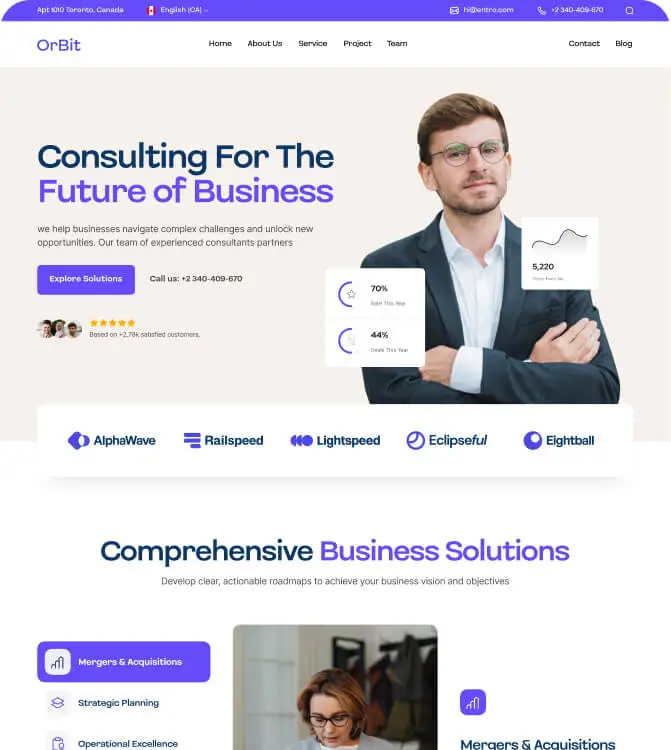
Get Your Website Ready in Minutes with 30+ Templates





Real Recommendation by real People


Why Use 5 Plugins When One Does It All?
No conflicts. No clutter. Just smooth performance and full control inside Elementor.
Made for the builders who want to move fast without breaking things. Your clients get a faster site. You get a simpler workflow.
Designers
Developers
Freelancers
Agencies
Build more sites in less time
Simplify maintenance
Increase revenue per project
Frequently Asked Questions
What is Easy Elements?
Does it work with Elementor Free?
Do I need Elementor Pro to use Easy Elements Pro?
What's the difference between Easy Elements Free and Pro?
Will Easy Elements slow down my website?
Can I disable widgets or features that I don't use?
Does Easy Elements include WooCommerce widgets?
Can I create animations without writing code?
What is Live Copy Paste?
Does Easy Elements support dynamic content?
Are ready-made Elementor templates included?
Can I build headers and footers with Easy Elements?
Is Easy Elements suitable for agencies and freelancers?
Do I need coding knowledge to use Easy Elements?
How do I install Easy Elements?
How do I get support and product updates?
Expensive Knowledge
You can check any time our powerful documentation.
Proficient Support
Enjoy free lifetime reliable updates
and six months free support.
Regular Updates
Enjoy free lifetime reliable updates
going with your purchase.